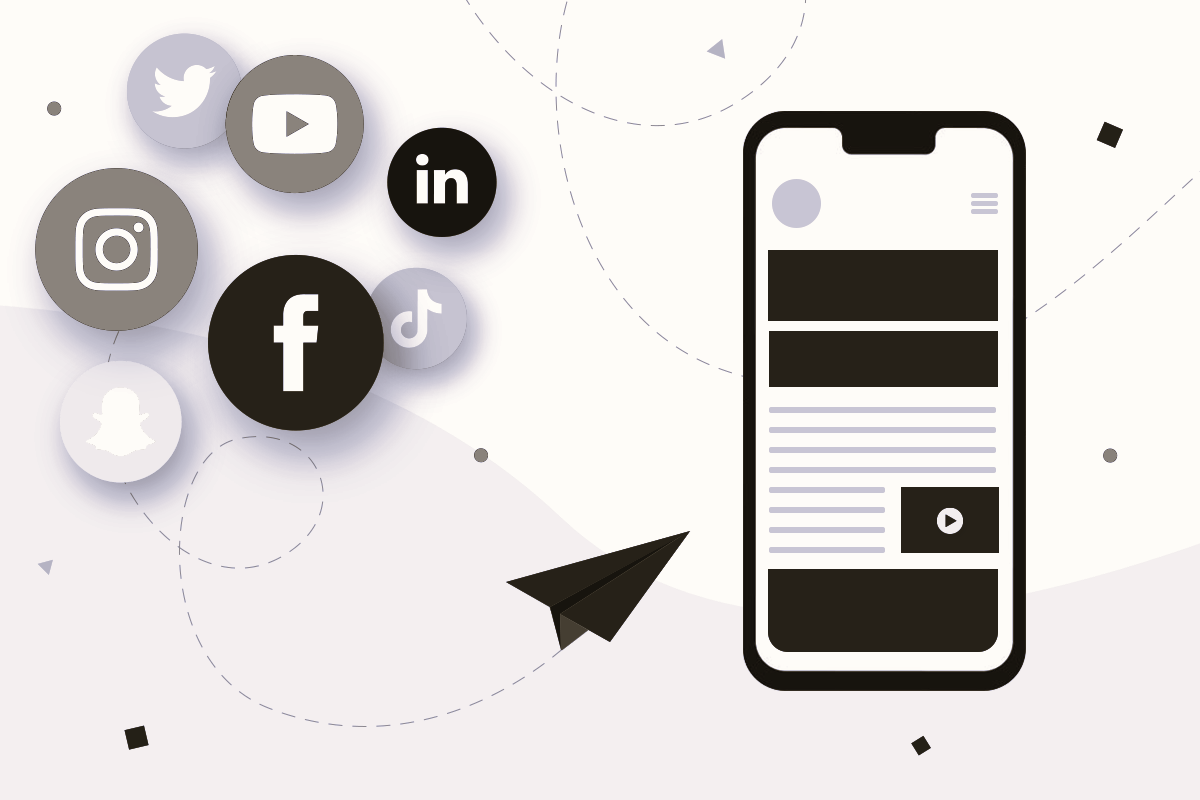
In today’s digital age, social media has become an integral part of our daily lives, influencing how we communicate, share information, and engage with content online. As a result, integrating social media elements into web design has become essential for enhancing user experience, increasing engagement, and expanding the reach of your website. In this article, we’ll explore the benefits of social media integration in web design and provide practical tips for leveraging its power effectively.
Benefits of Social Media Integration:
Integrating social media into your website offers a wide range of benefits for both users and website owners. Some of the key advantages include:
- Expanded Reach: By integrating social media sharing buttons and widgets into your website, you can empower users to easily share your content with their social networks, extending the reach of your brand and driving more traffic to your site.
- Enhanced Engagement: Social media integration allows users to interact with your website’s content in a more dynamic and interactive way. By incorporating features such as social login, comments, likes, and shares, you can encourage greater engagement and foster a sense of community among your audience.
- Improved Brand Visibility: By maintaining an active presence on social media platforms and integrating social media feeds into your website, you can increase your brand’s visibility and exposure to a broader audience, ultimately driving more awareness and recognition for your brand.
- SEO Benefits: Social signals, such as likes, shares, and comments, are increasingly recognized as important factors in search engine ranking algorithms. By encouraging social sharing and engagement, you can indirectly improve your website’s SEO performance and visibility in search engine results.
- User Data Insights: Social media integration enables you to gain valuable insights into your audience’s behavior, preferences, and interests. By tracking social media metrics and analytics, you can better understand your audience and tailor your content and marketing strategies accordingly.
Practical Tips for Social Media Integration:

Now that we’ve explored the benefits of social media integration, let’s discuss some practical tips for incorporating social media elements into your web design effectively:
- Strategically Place Social Sharing Buttons: Position social sharing buttons prominently on your website’s pages to encourage users to share your content easily. Place them near the top or bottom of blog posts, articles, product pages, and other relevant content. Read about the Key Features to Look for in a Web Hosting Provider.
- Optimize Social Media Profiles: Ensure that your social media profiles are fully optimized with relevant information, engaging content, and eye-catching visuals. Link to your social media profiles from your website and encourage visitors to connect with you on social platforms.
- Embed Social Media Feeds: Display live feeds from your social media accounts directly on your website to showcase real-time updates, news, and user-generated content. Embedding social media feeds adds dynamic content to your site and keeps visitors engaged.
- Enable Social Login: Simplify the registration and login process for users by offering social login options. Allow users to sign in using their existing social media credentials, such as Facebook, Twitter, or Google, to streamline the user experience and reduce friction.
- Encourage User Interaction: Encourage user interaction and engagement by incorporating social features such as comments, likes, ratings, and reviews into your website’s design. Create opportunities for users to share their thoughts, opinions, and experiences with your brand and products.
- Monitor Social Media Analytics: Regularly monitor social media analytics and metrics to track the performance of your social media integration efforts. Pay attention to metrics such as engagement, reach, shares, and referral traffic to assess the effectiveness of your social media strategy and make data-driven decisions.
Conclusion:
In conclusion, social media integration is a powerful strategy for enhancing user experience, increasing engagement, and expanding the reach of your website. By strategically incorporating social media elements into your web design and following the practical tips outlined in this article, you can leverage the power of social media to achieve your business objectives and connect with your audience on a deeper level.
For more information on social media integration best practices and web design standards, visit the following resources:
